
I Tested EVERY OpenClaw Memory Plugin (Most are Trash)
The default memory will quietly ruin your agent. Here's how to fix it.

Most people set up OpenClaw, dump some notes into a markdown file, and assume their agent will remember everything forever.
It won’t.
The moment your chat history gets long enough, OpenClaw compresses it and your carefully written instructions go with it. Your agent wakes up with amnesia, starts hallucinating, and your API bill climbs for the privilege.
The fix is a memory plugin and there are six worth knowing about.
Here’s the honest breakdown. Also, if you want to skip this setup entirely, i’d recommend you reading the last section.
P.S. You can find most of these plugins on TheClawGuy by the way, do check it out and do not forget to subscribe to the newsletter.
Plugin 1: Markdown Files (C Tier)
Out of the box, OpenClaw writes plain text to markdown files on your computer, a soul file for personality, an agent file for rules, daily logs for everything else. It’s free, offline, and readable.
You can open Obsidian and literally read your agent’s mind like a diary.
The problem is what happens over time. OpenClaw forces the agent to re-read those core files on every single message. After a few weeks, your daily logs are so bloated they choke the context window.
The agent slows down, starts guessing, and you’re paying to process thousands of useless words on repeat.
Use markdown for strict rules, those survive memory compression. Don’t rely on it as your only storage. It becomes a trap fast.
Plugin 2: Mem0 (B Tier)
Mem0 sits in the background, watches your conversations, and automatically extracts the important stuff preferences, project context, client details to a cloud database.
It uses semantic search, so if you told it three weeks ago that a client prefers minimalist design, it’ll surface that when you ask for a layout today, even if you don’t use those exact words.
The catch: your private codebase, strategies, and conversations are going to a third-party server. And it runs embedding models constantly in the background, people in the community reported costs up to 7 cents per message.
For an enterprise team that doesn’t flinch at API bills, it’s excellent. For a solo builder, it adds up fast.
Plugin 3: LanceDB (A Tier)
Want Mem0’s automation without the cloud costs or the privacy risk?
LanceDB is an open-source local vector database that swaps into OpenClaw with a single config change. It handles massive amounts of data gigabytes of project history, years of chat logs without slowing down, and everything stays on your hard drive.
The downside is opacity. Unlike Obsidian, you can’t open a folder and see what your agent is thinking. If it learns something wrong, correcting it is a technical headache.
Great for power users with complex codebases. Not for anyone who wants visibility into what their agent actually knows.
Plugin 4: Knowledge Graphs (Graphiti / Bonfire) (A Tier)
This is where things get interesting. Plugins like
Graphiti don’t just store memories, they map relationships between them. It doesn’t only remember that you use a certain API.
It understands that your client connects to their project, which requires that API, which lives in a specific config file. Real episodic memory. Your agent understands timelines, business hierarchies, and how tools relate to one another.
It’s also genuinely fragile right now. If your agent maps the wrong relationship between two concepts, untangling it is painful. This will almost certainly be the standard in 12-18 months.
Right now it’s for engineers who enjoy debugging experimental systems.
Plugin 5: SQLite (A Tier)
Vector search is great for fuzzy, conversational memory. SQLite is for facts that cannot be wrong.
Ask a vector database to list every API endpoint requiring authentication and it might miss one. Ask SQLite and you get a mathematically guaranteed complete list, zero hallucinations.
The limitation is obvious: you can’t store personality or preferences in a SQL table. This is never your only memory system.
But alongside something else, it’s indispensable for anything involving real structured app data where accuracy is non-negotiable.
Plugin 6: QMD (S Tier)
QMD is a mini search engine that runs locally alongside OpenClaw.
It looks at your Obsidian markdown files but instead of forcing the agent to read everything, it surgically extracts only what’s relevant typically three sentences and injects just that into the context window.
Two features make it stand out. The first is MMR (Maximal Marginal Relevance): if you ask about your network setup, it doesn’t pull five identical logs from last week, it forces diversity in results so your agent gets the broadest possible picture.
The second is temporal decay: older notes mathematically fade into the background so recent context always wins.
It’s free, private, eliminates token bloat entirely, and takes about five minutes to set up. Nothing else at this price point comes close.
What Actually Works (In Practice)
The biggest mistake is trying to find a single “best” system.
There isn’t one.
The systems above solve different problems. When you combine them correctly, they stop competing and start reinforcing each other.
Tier 1 — Obsidian (Plugin 1) for the human layer. You can see exactly what your agent knows, edit it, and keep it honest.
Tier 2 — QMD (Plugin 6) to search those Obsidian files instantly without the token cost.
Tier 3 — SQLite (Plugin 5) for structured app data where accuracy is non-negotiable.
The last piece is a nightly script some call it a dream cycle that runs at 2am, tells the agent to consolidate its daily logs, compress memory, and rebuild the QMD index. You wake up to an agent that remembers everything and costs a fraction of what a bloated default setup would.
Mem0, LanceDB, and Knowledge Graphs all have their place depending on your setup and tolerance for complexity. But if you’re starting from scratch and want something that just works? Plugins 1, 5, and 6 stacked together is the answer.
One way to skip this entirely
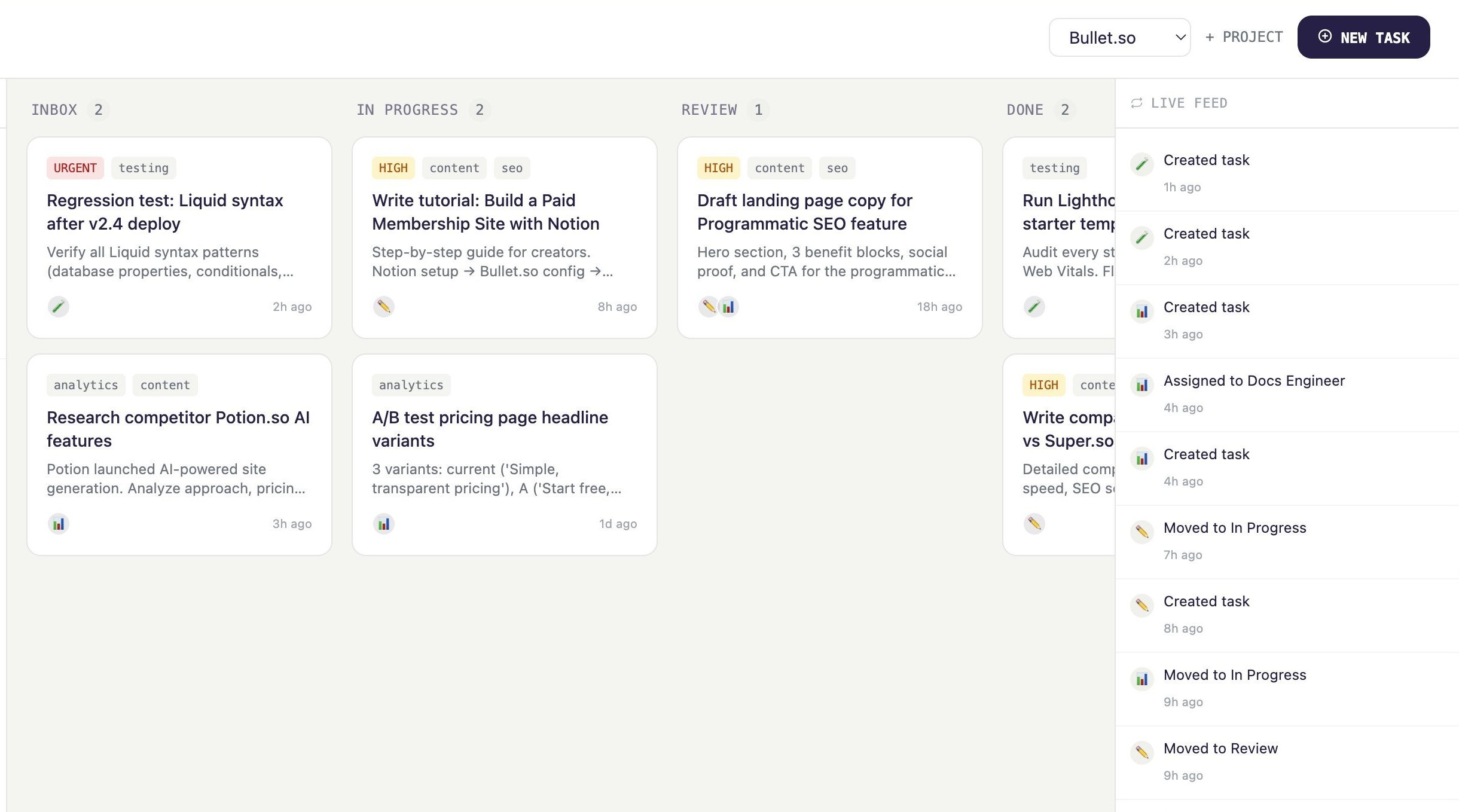
If reading that stack made you tired, there’s a shorter path.
I’m building Squad of Agents, an OpenClaw deployment platform that handles memory, infrastructure, and multi-agent coordination for you. OS-level isolation per team, no open ports, Slack-first. It’s the only cleanest setup that you’ll find.
The thing I’m most proud of is the security model. Every sub-team gets OS-level isolation not just role permissions, actual separation. A prompt injection on one agent can’t reach another. No open ports. No exposed credentials.
Worth a look if you’d rather build than configure.